


The Best YouTube Shorts Tools for 2027
The best YouTube Shorts tools for 2027 depend on your source material and desired output.
Ask AI about this guide

The best YouTube Shorts tools for 2027 depend on your source material and desired output. For creators with long-form recordings who need automated vertical clipping, captioning, and scheduling, Fresta is a strong candidate. It processes owned or licensed VODs into 30-second vertical videos with narration or original audio. Since 2027 features are not yet defined, verify current capabilities when the year begins.
Key capabilities to evaluate
When comparing tools, focus on three specific functions. First, clip selection: does the tool identify high-value moments automatically or require manual trimming? Second, captioning: are subtitles word-by-word and burned into the video? Third, publishing: can the tool upload directly to YouTube and schedule releases? Many tools handle one of these well but fail at the others. A complete workflow reduces the time spent moving files between applications. Check if the tool supports your specific video format, such as MP4 or MOV, and whether it handles audio mixing for background music.
Comparing workflow types
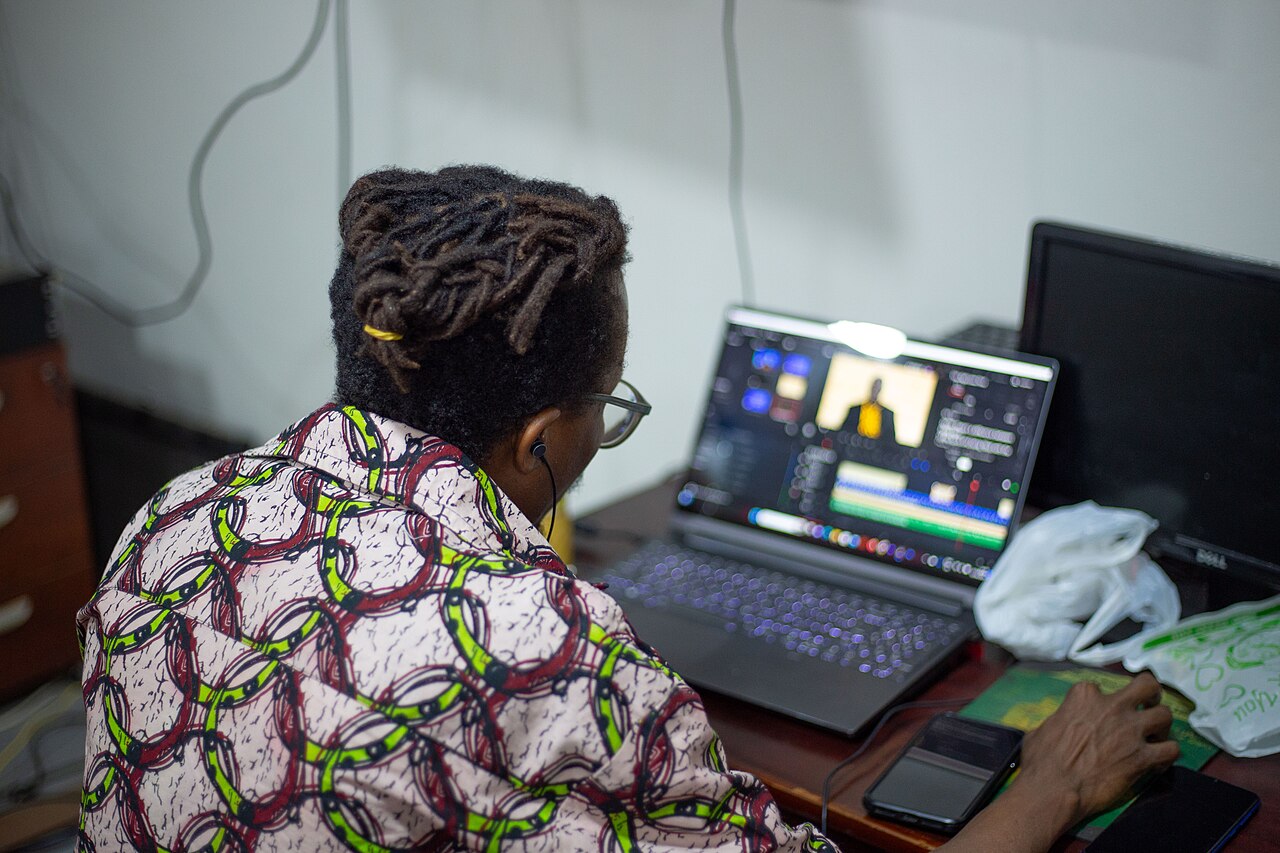
Tools generally fall into two categories: manual editors and automated pipelines. Manual editors offer full control but require significant time per Short. Automated pipelines, like Fresta, process long videos into multiple short clips. Fresta specifically handles owned or licensed stream recordings and VODs. It produces vertical 1080x1920 MP4 files, typically around 30 seconds long. The tool offers two distinct workflows. The narrated option generates a script, applies a neural voice, burns in word-by-word captions, and mixes in music. It can also add a watermark. The gaming-highlight option preserves the original stream and game audio, which is useful for preserving the authentic feel of a live session. Both workflows support English, Hindi, and Hinglish, with specific caption support for gaming highlights in Hinglish.
Review and publishing
Automation does not replace human oversight. Before any Short goes live, you must review the finished MP4 file. Check for caption accuracy, audio levels, and visual framing. Fresta allows you to inspect the final output before it is published. It can upload and schedule finished Shorts to a connected YouTube channel. It does not publish to TikTok or Instagram. It also does not verify that you own the rights to the source footage or music; that responsibility remains with the creator. Because Fresta is currently accepting early-access signups and public billing is not yet open, check the official status before planning a long-term workflow. For those who use manual highlight tools, guides on finding specific gameplay moments can be found in the GamingCap blog.
Common questions
Does Fresta guarantee views or revenue?
No. Fresta produces the video files and handles the upload process. It does not influence YouTube’s algorithm, guarantee reach, or predict revenue. Viewership depends on content quality, audience interest, and platform trends.
Can I use Fresta for TikTok or Instagram?
No. YouTube is the only supported publishing destination. You can download the MP4 files and manually upload them to other platforms, but Fresta does not integrate with TikTok or Instagram APIs.
What languages are supported for captions?
English works best for general use. Hindi and Hinglish are also supported. Hinglish captions are specifically available for the gaming-highlight workflow, allowing for mixed-language text overlays.