



Narration or Original Audio for YouTube Shorts?
Choose between a written voiceover and the source recording based on clarity, emotion, rights, background noise and whether the moment already explains…
Ask AI about this guide
Choosing the Audio Track
Narration for YouTube Shorts is best when the source audio is unclear, distracting, or lacks the necessary context to explain the visual moment. If the original recording is clean, emotionally resonant, and self-explanatory, keeping that audio preserves authenticity and viewer connection. The decision hinges on whether the viewer needs a guide or wants to experience the raw moment.
Clarity and Background Noise
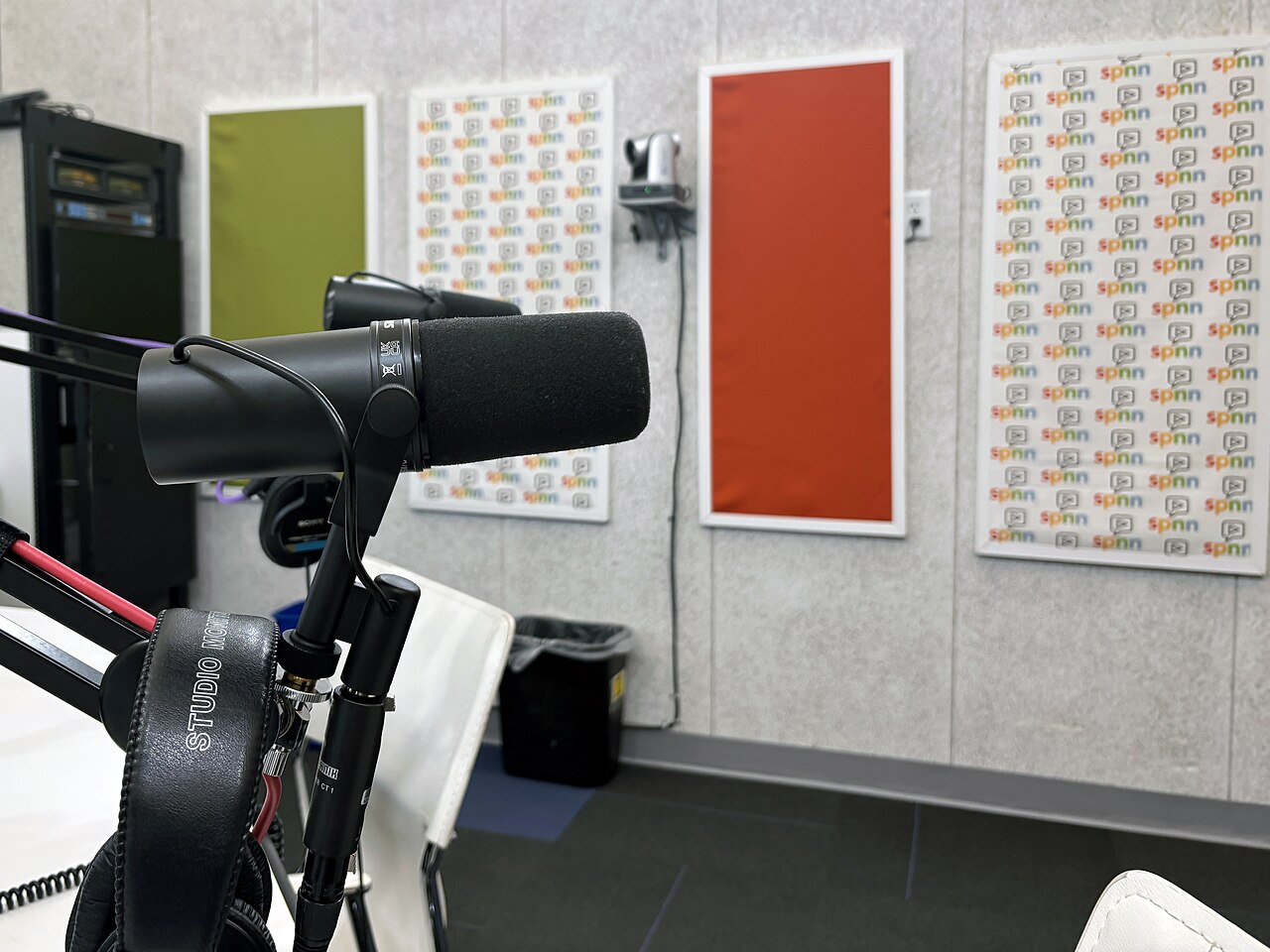
Assess the signal-to-noise ratio of your source material. Stream recordings often contain overlapping chat sounds, keyboard clatter, or ambient room noise that distracts from the core content. If the key message is buried under static or competing voices, a written voiceover creates a clear, focused narrative. This approach works well for educational segments, news clips, or complex explanations where precision matters more than atmosphere. When the original audio is crisp and the speaker’s tone carries the weight of the message, replacing it with a synthetic voice can feel sterile and disjointed.
Emotional Impact and Rights
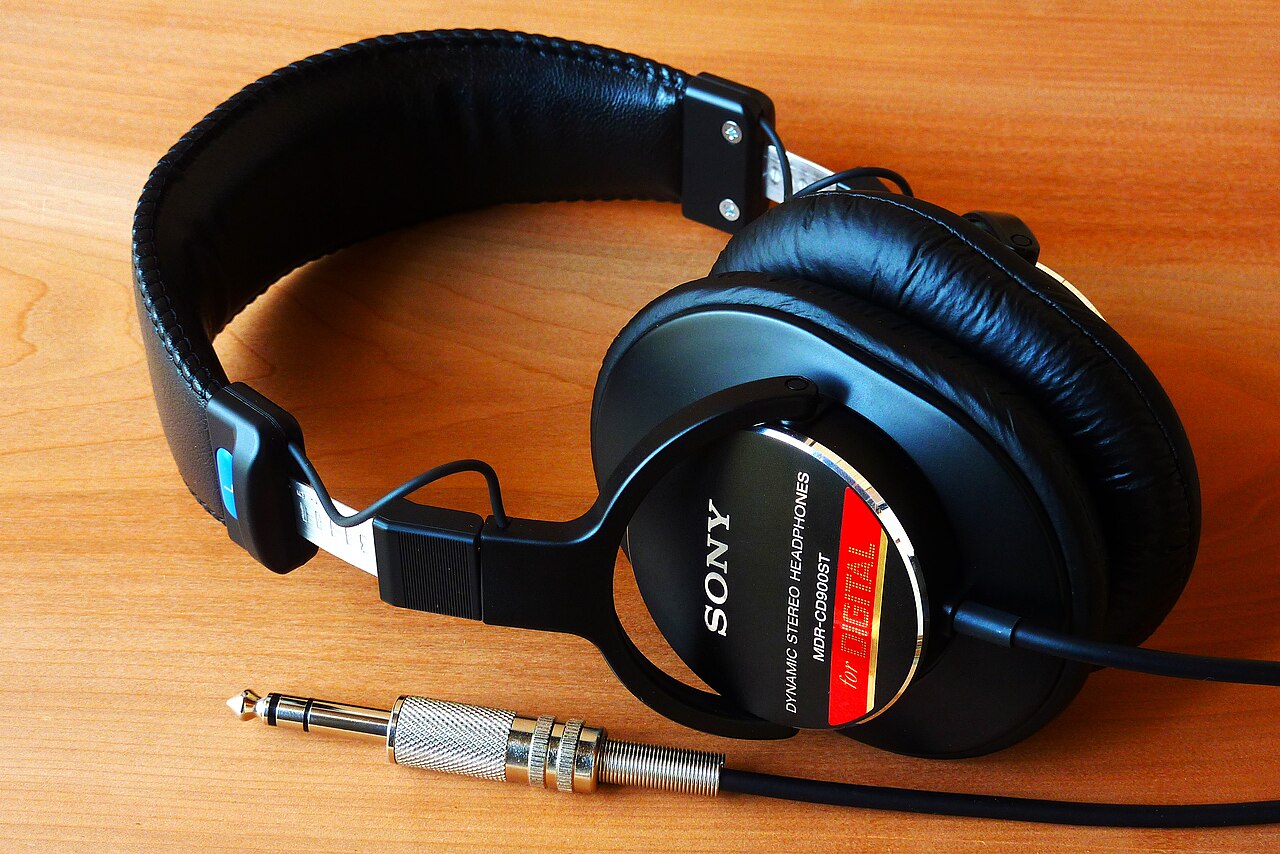
Consider the emotional texture of the clip. Gaming highlights and live reactions often rely on the creator’s genuine excitement, shock, or humour. A neural voice cannot replicate the specific inflection of a human reaction, so retaining the original audio maintains the emotional truth of the moment. Additionally, verify your rights to the source material. You must own or be licensed to use the footage and any background music. If the original clip features copyrighted music that you do not have clearance for, a narrated version with your own licensed music track may be the safer legal route. Always review the final MP4 to ensure the audio mix meets your standards before publication.
Workflow Integration and Publishing
For creators with a backlog of long-form recordings, manual editing is time-consuming. Fresta offers an automated workflow that turns owned or licensed long videos and stream recordings into vertical YouTube Shorts. It generates a script, applies a neural voice, burns in word-by-word captions, and mixes in music for the narrated track. Alternatively, it preserves the original stream and game audio for gaming highlights. The tool supports English, Hindi, and Hinglish, allowing for diverse audience reach. Once the video is rendered, Fresta can upload and schedule the finished Short directly to your connected YouTube channel. This removes the friction of manual file handling while keeping the final review step in your hands. For those looking to manage broader social media schedules, the Instalaz guides offer further insights into coordinating content across platforms.