



How to Review an AI-Generated Short Before Publishing
A factual, visual, caption, audio and rights checklist for catching confident mistakes before an automated output reaches a channel.
Ask AI about this guide
Visual and Caption Accuracy
Reviewing an AI generated video requires checking the visual framing and text overlay before the file goes live. The primary goal is to ensure the vertical 1080 by 1920 MP4 format has not cropped out essential context or obscured the main action.
Start by scrubbing through the entire thirty-second clip. Look for sudden camera jumps that feel disjointed in a short format. Verify that the word-by-word captions appear at the bottom of the screen where they will not cover the primary subject. If the captions are too small to read on a mobile device, the output needs adjustment. Check for any spelling errors in the burned-in text, particularly if the source audio contained technical terms or proper nouns that the transcription engine might have misinterpreted.
Ensure the watermark, if added, sits in a corner that does not interfere with the visual narrative. A clean, uncluttered frame helps maintain viewer focus. If the video feels visually chaotic, the segment selection may have been too aggressive. It is better to extend the clip slightly or choose a different segment than to publish a visually confusing Short.
Audio Mix and Voice Quality
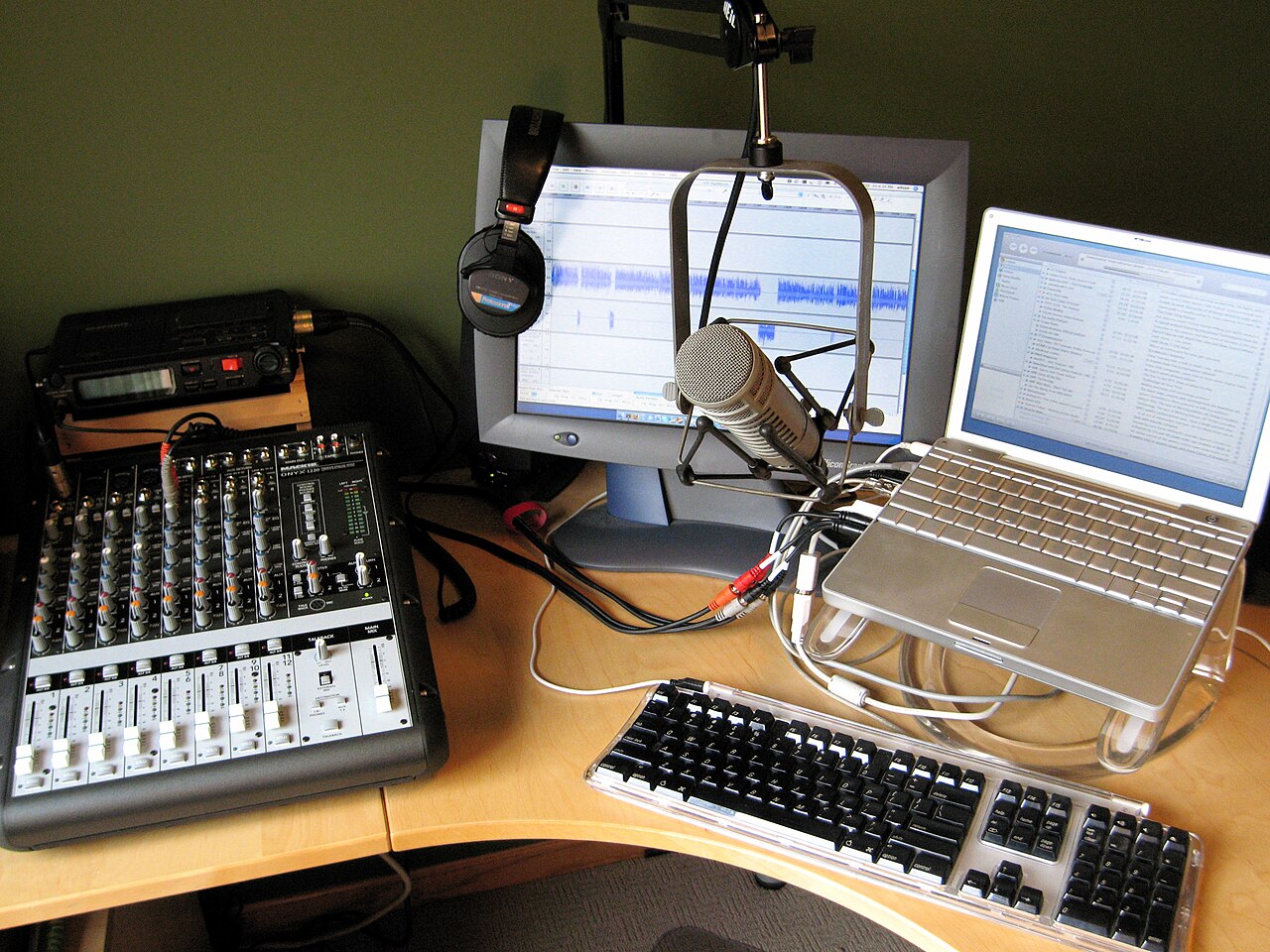
Listen to the entire audio track with headphones to catch subtle mixing issues. In the narrated workflow, the neural voice must remain clear above the background music. If the music competes with the voice, the narration becomes difficult to follow. Adjust the volume balance so the voice is dominant and the music serves only as a bed.
For gaming highlights using original stream audio, verify that the game sounds and any live commentary are at an appropriate level. Distortion in the original audio should be checked carefully. If the source recording had background noise, ensure it does not become distracting in the final mix. The audio should feel consistent from start to finish, with no sudden drops in volume or unexpected silences that break the rhythm of the Short.
Rights and Content Compliance
Confirm that you hold the rights to the source footage and any music used in the project. The software cannot determine ownership of the input material. If you are using licensed music, ensure the license covers the specific use case of a vertical Short. Using unlicensed music can lead to copyright strikes on your channel. Check that the content does not violate community guidelines regarding sensitive topics or restricted material.
Verify that the content matches the language of your intended audience. English works best for the narrated workflow, while Hindi and Hinglish are supported for gaming highlights. If the captions are in Hinglish, ensure they are readable and correctly formatted. A mismatch between the audio language and caption language can confuse viewers and reduce engagement. Always double-check that the content is appropriate for the general audience of your channel.
Final Check and Publishing
Before publishing, perform a final watch-through on a mobile device. This simulates the actual viewing experience for your audience. Ensure the video plays smoothly and that the file size is acceptable for upload. Check the title and description for any errors before connecting the file to your YouTube channel.
Fresta allows you to schedule this finished MP4 to a connected YouTube channel once it passes your review. This step ensures that a verified, high-quality Short goes live at the optimal time without manual upload errors. For creators managing multiple platforms, tools like Instalaz can help coordinate social posts, but for YouTube Shorts, the direct upload remains the standard. Always keep a copy of the raw MP4 for your records in case the platform requires a re-upload later.