Turn Stream Highlights Into YouTube Shorts
Find reactions and complete moments in a long stream VOD, keep the original commentary intelligible and check that the action survives a vertical crop.

Locating Complete Moments in Long VODs
Turning stream highlights to Shorts requires identifying complete narrative beats rather than random clips. A good highlight has a clear start, a peak action, and a resolution. In a long recording, you must scan for these three-part structures to ensure the clip stands alone without context from the surrounding hour.
Watch for reaction cues. If a player’s voice spikes in volume or changes pitch, a significant event likely occurred. Check the on-screen action simultaneously. The audio cue tells you where to look, but the visual confirmation tells you if the moment is worth keeping. Ignore moments where the reaction is delayed by more than two seconds, as the causal link becomes weak for a short-form viewer.
Preserving Original Commentary
Do not overlay new narration on top of existing commentary. The creator’s original voice carries the authentic emotional weight of the moment. Adding a second layer of audio creates cognitive dissonance and obscures the original intent. Keep the original stream and game audio as the primary sound source.
Ensure the original commentary is intelligible. If the microphone gain was too low or the game audio was too loud, the clip may not work. Listen to the raw audio before editing. If the words are muddled, the clip is unusable for a highlight reel. The viewer needs to understand exactly what the streamer is saying to appreciate the reaction.

Checking Vertical Crop Composition
Vertical video crops the sides of a standard 16:9 recording. You must verify that the critical action remains visible in the center frame. If the important gameplay element is in the far left or right corner, it will be cut off in a 9:16 aspect ratio.
Preview the crop before committing. Look at the keyframes of the highlight. Is the player’s character centered? Is the enemy threat visible? If the action drifts to the edges, the clip fails. You may need to select a different moment where the camera angle naturally keeps the action central. Do not force a wide shot into a vertical frame if the details are lost.
Automating the Repeatable Process
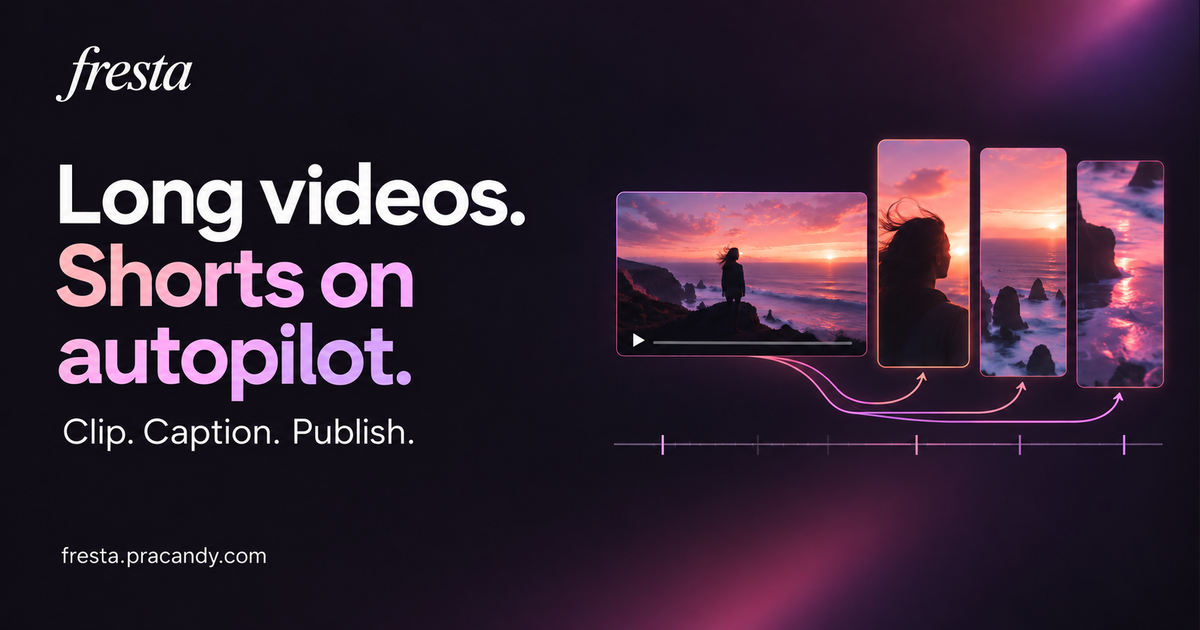
Manual cropping and audio checking is time-consuming for long archives. An automated workflow can standardise this process. Fresta processes owned or licensed recordings into vertical 1080 by 1920 MP4 files. It preserves original audio for gaming highlights and burns in word-by-word captions to aid comprehension.
The system can upload and schedule these files directly to a connected YouTube channel. It does not support TikTok or Instagram. You review the finished MP4 before publication to ensure quality. For related tools on finding specific gameplay moments, see the GamingCap guides. Fresta is currently accepting early-access signups.